Jerry Wang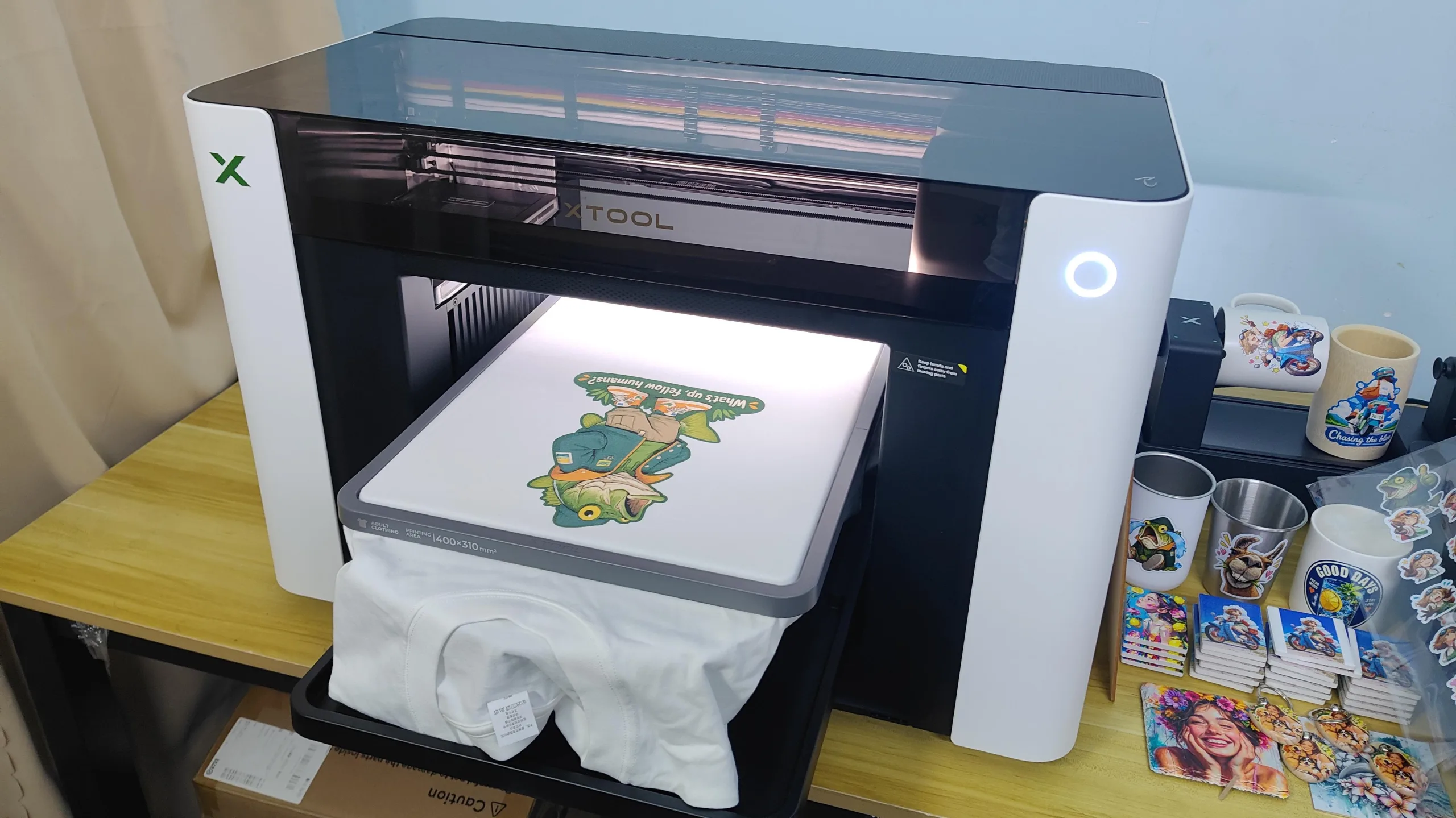
Introduction
When launching a custom apparel side hustle or expanding an Etsy print-on-demand (POD) business, traditional industrial Direct-to-Garment (DTG) printers often present a massive barrier to entry. Between astronomical price tags, bulky footprints, and complex daily maintenance routines, many creators struggle to find a reliable desktop solution for high-quality cotton apparel.
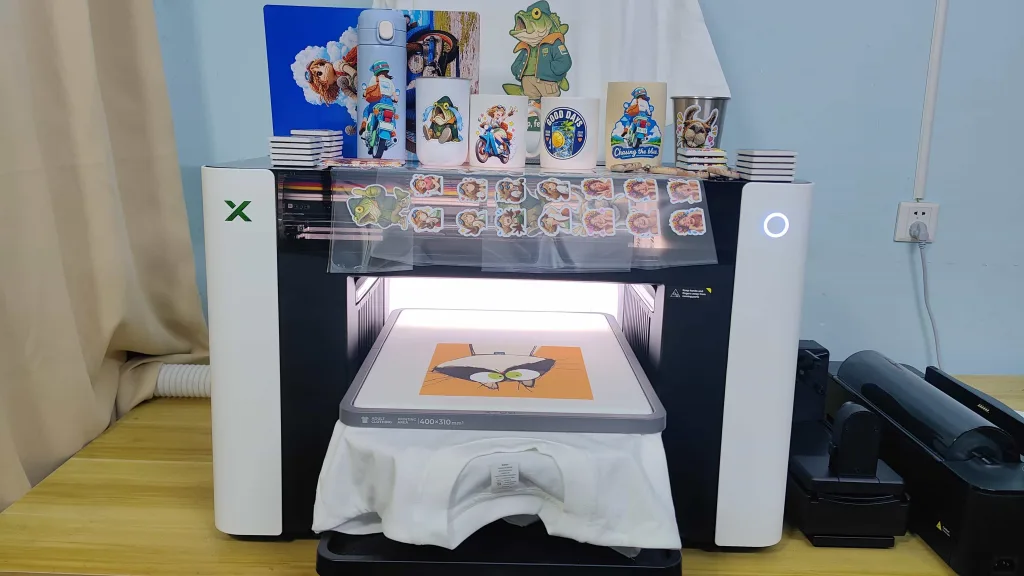
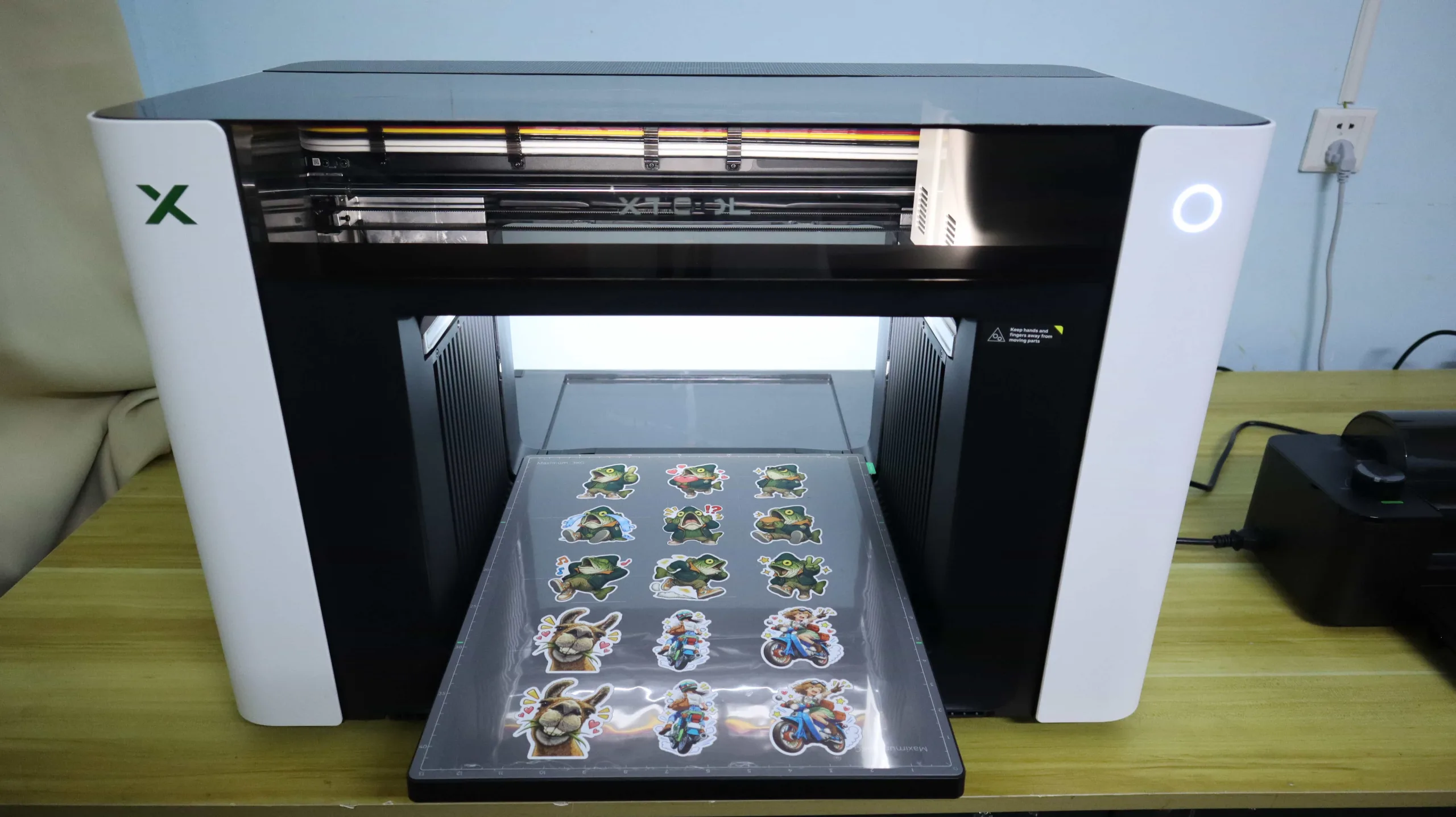
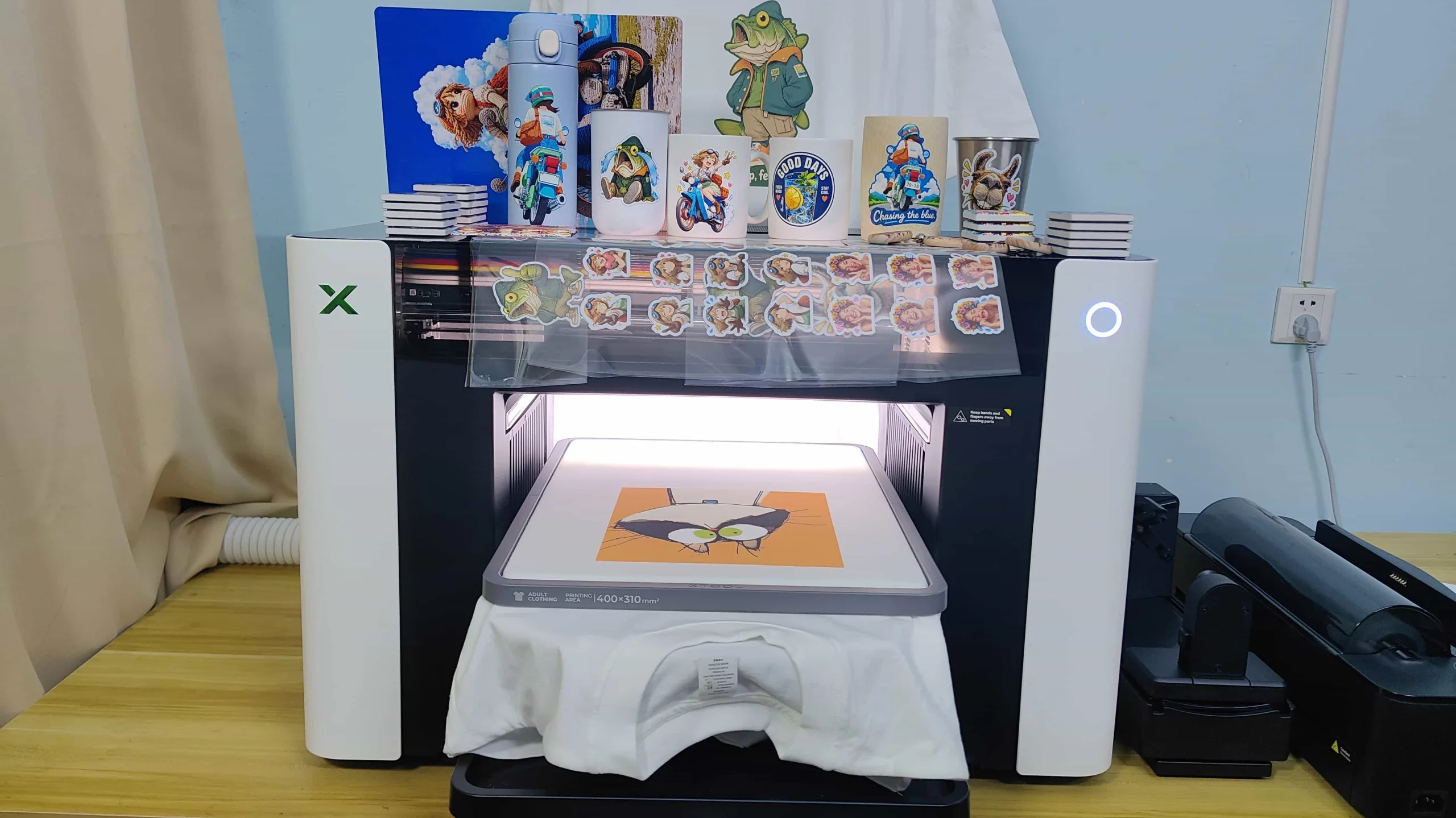
That landscape changed dramatically with the release of our top-rated hybrid workstation, as explored in our comprehensive xTool O1 Omni UV Printer Review. Beyond its exceptional capabilities with hard substrates and flatbed items—such as crafting 3D decals detailed in our how to make custom UV DTF stickers guide—this machine transforms into a powerful textile printer when equipped with the dedicated Garment Tray.
In this masterclass, we will walk you through the complete, step-by-step workflow of xTool O1 Omni DTG printing. From professional fabric pre-pressing and pretreatment application to software color management and final thermal curing, you will learn how to produce retail-ready, soft-hand feel custom t-shirts that withstand countless washes.
Why Choose DTG Over DTF or Vinyl for Cotton Apparel?
When launching a custom apparel line or printing on cotton blanks, choosing the right printing method dictates your product’s feel, longevity, and profit margins. While Direct-to-Film (DTF) and Heat Transfer Vinyl (HTV) have their place, Direct-to-Garment (DTG) printing remains the gold standard for 100% cotton garments.
Here is why top-tier creators and Etsy podcasters choose DTG over alternative methods:
- Unmatched Soft-Hand Feel (Breathability): Unlike DTF, which lays a solid plastic-like adhesive and ink film across the fabric, DTG inks (water-based textile inks) soak directly into the cotton fibers. This results in a breathable print that moves with the fabric and features a genuine “soft-hand feel.”
- Superior Durability & Crack Resistance: Because DTG printing bonds the ink directly with the cotton threads through proper thermal curing, the design will not crack, peel, or warp over time. It maintains retail-ready wash durability even after dozens of machine cycles.
- Complex Gradient & Full-Color Precision: DTG excels at reproducing high-resolution photographic details, smooth color gradients, and fine multi-color shading without the weeding hassle or color limitations of traditional vinyl.
To understand why dedicated creators prefer this workflow over alternative apparel decoration techniques, the following comparison breaks down the fundamental differences in tactile feel, durability, and production requirements:
| Feature / Metric | DTG Printing (xTool O1 Omni) | DTF Printing | Heat Transfer Vinyl (HTV) |
| Best Fabric Match | 100% Cotton & High-Cotton Blends | Universal (Cotton, Poly, Nylon, Canvas) | Most Fabrics (Solid Colors/Simple Logos) |
| Fabric Hand-Feel | Extremely Soft & Breathable | Slight plastic/rubbery texture | Heavy, thick, and non-breathable |
| Durability & Washability | Excellent (Inks absorb into fibers) | High (Depends on adhesive quality) | Moderate (Prone to peeling/edge lifting) |
| Production Complexity | Requires Pretreatment & Curing | Requires Powdering, Curing & Transfer | Weeding, Cutting & Heat Pressing |
Essential Equipment & Consumables for xTool O1 Omni DTG Printing
Transitioning from hard-surface UV printing to DTG apparel production requires specialized hardware accessories and textile-specific formulas. Because textile fibers behave completely differently than rigid acrylic or metal substrates, having the right setup is the key to achieving professional wash durability and a genuine soft-hand feel.
To execute a flawless print job on cotton garments using your xTool O1 Omni, make sure you have the following equipment and consumables ready:
- xTool Garment Tray for O1 Omni: The essential physical hardware accessory that replaces the standard flatbed base, designed to securely clamp and support direct clothing and apparel placement.
- Dedicated Textile Inks & Separate Ink Channels: Unlike UV inks, the O1 Omni utilizes dedicated fabric inks running through independent, isolated ink paths (featuring active white ink stirring and circulation) to guarantee zero-clog reliability and vibrant colors on cotton.
- DTG Pretreatment Primer Solutions: Crucial for locking ink fibers and preventing bleeding. You will need Color Ink Pretreatment Solution (diluted approximately 1:19 with water) for light-colored garments, and White Ink Pretreatment Solution (used undiluted) to serve as a solid base layer for dark-colored fabrics.
- Application Tools (Spray Bottle & Protective Gear): A fine-mist spray bottle for even application of the primer, alongside nitrile gloves and a mask to safely handle chemical mists.
- Heat Press Machine (e.g., xTool WonderPress): An essential thermal press for fabric pre-pressing, pretreatment curing, and final ink setting at recommended settings (150°C / 50 kg pressure).
- Heat-Resistant Non-Stick Sheets: Used during pre-pressing and thermal curing to protect your heat press pads from chemical contamination and prevent garment scorching.
Step-by-Step DTG Printing Workflow: From Blank Shirt to Retail-Ready Apparel
Step 1: Pre-Pressing & Fabric Moisture Removal
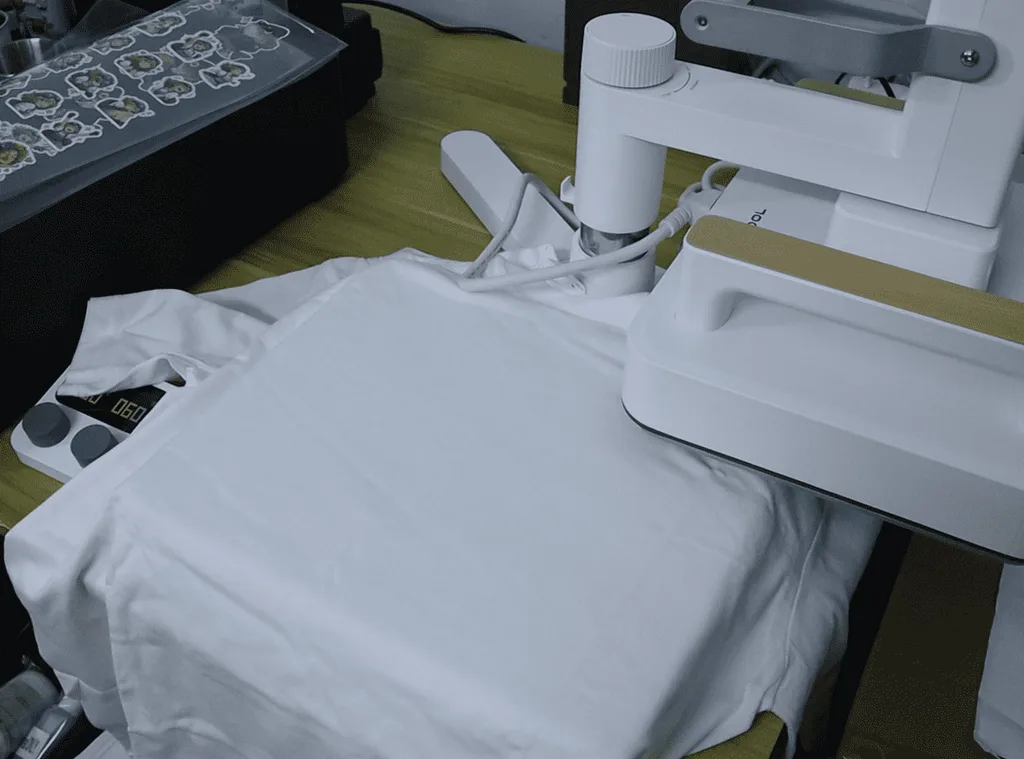
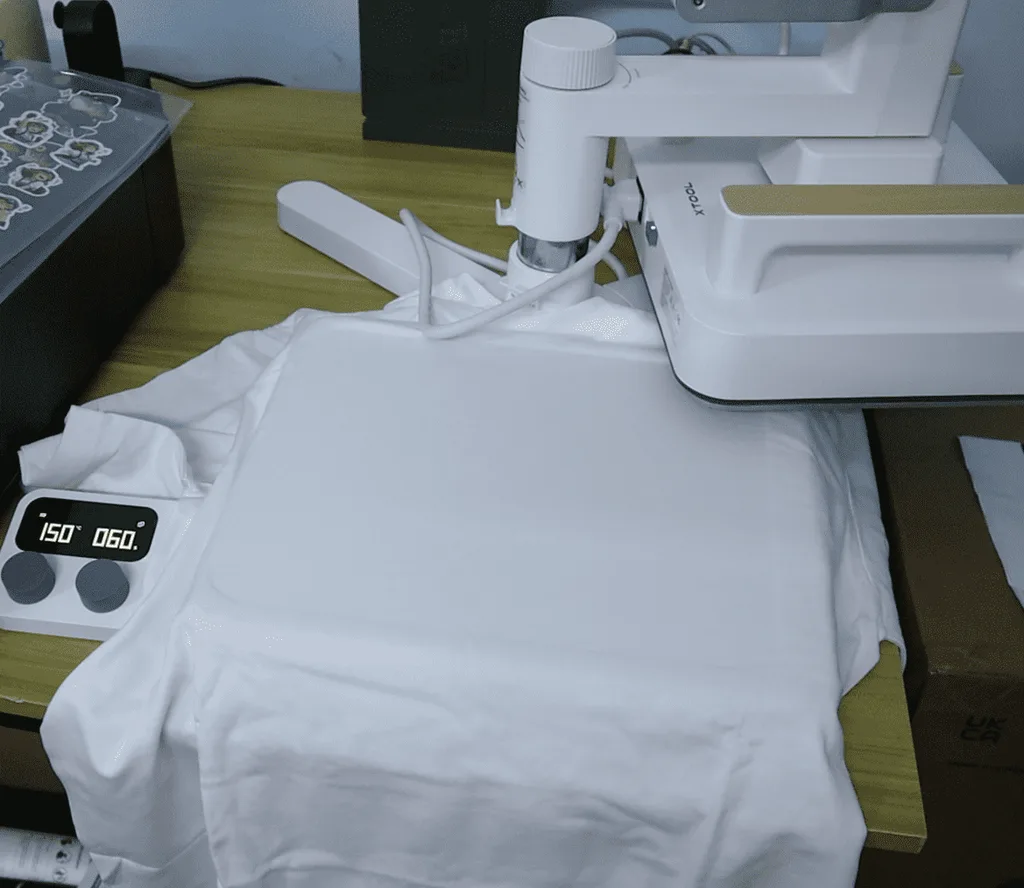
The journey from a plain cotton blank to a retail-ready garment starts long before any textile ink hits the fabric. While it might be tempting to toss a fresh shirt straight onto the printer bed, natural cotton fibers inherently trap ambient atmospheric humidity. On top of that, raw T-shirts carry invisible micro-wrinkles and loose surface fuzz that can easily trigger mechanical printhead strikes or cause wet ink smudging. That is precisely why pre-pressing your garment is the non-negotiable foundation of the entire xTool O1 Omni DTG T-shirt printing workflow.
To execute this initial step properly, power on your xTool Heat Press and dial the temperature precisely to 150°C, which equals 302°F. Carefully lay your blank white or dark cotton T-shirt across the lower platen, smoothing out any obvious folds with your hands before lowering the thermal press. Clamp the heat press down securely for a full 60 seconds. During this one-minute heating cycle, the uniform surface thermal energy quickly flash-evaporates trapped internal moisture from deep within the cotton weave while compressing stray surface fibers down completely flat. Taking the extra minute to properly flatten and dehumidify your apparel blank creates an ultra-smooth, level canvas. This step is essential for achieving ultra-crisp inkjet precision, clean line retention, and vibrant overall print quality during your direct-to-garment runs on the xTool O1 Omni workstation.
Step 2: Applying DTG Pretreatment Primer Solution
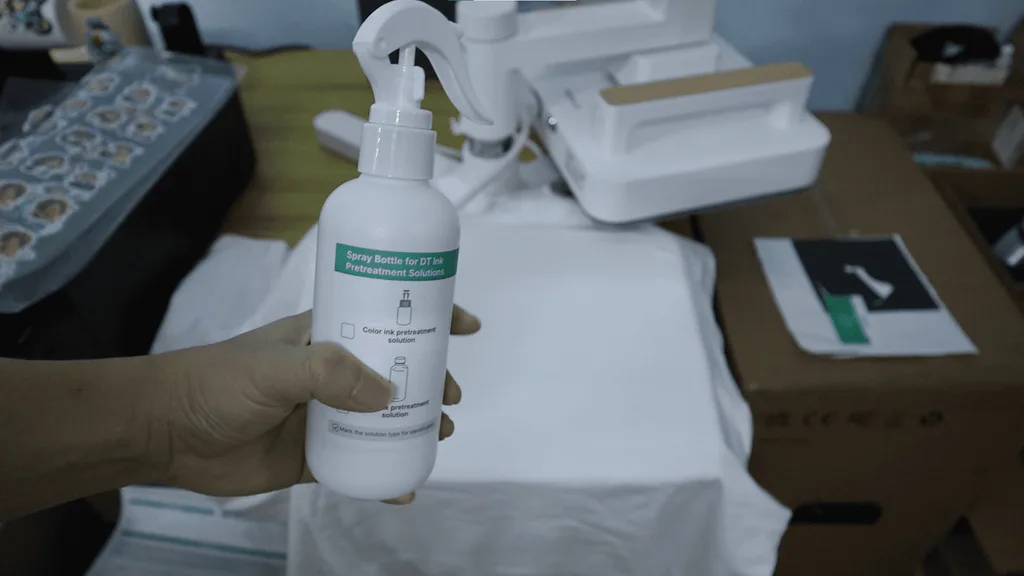
Once your fabric is completely flat and dry, the next critical phase is applying your direct-to-garment pretreatment solution. Think of pretreatment liquid as a specialized primer for textiles: without it, water-based CMYK and white inks would simply soak deep into the porous cotton weave, resulting in dull colors and blurry edges. Selecting the correct formulation is vital here, as light-colored garments require a specific light pretreat, whereas black or deep-toned cotton shirts demand a dark pretreat formula engineered to support a heavy white ink underbase. Using an automated pretreatment machine or a fine-mist manual sprayer, apply an even, consistent layer across the intended print area. The goal is to lightly coat the raised cotton fibers without oversaturating the garment, ensuring complete graphic coverage while avoiding chemical ring marks or stiff residue around your artwork bounds.
Step 3: Thermal Curing for Pretreatment Primer
Applying the primer liquid is only half the battle; that liquid barrier must be thoroughly cured into the cotton weave before the shirt goes onto the xTool O1 Omni print bed. Transfer your pretreated garment back to the lower platen of the xTool Heat Press. With the temperature maintained at 150°C (302°F), apply heavy, uniform pressure—targeting around 50 kg—for a solid 180 seconds, or 3 full minutes. This prolonged high-pressure curing cycle forces the liquid primer deep into the textile matrix, flattening any stubborn microscopic fibers and drying the liquid into a dry, smooth surface layer. Once the timer elapses and you lift the press, your shirt will feel dry and crisp, completely prepped to receive high-resolution textile ink without any risk of bleeding.
Step 4: xTool Studio Artwork Setup & DTG Printing
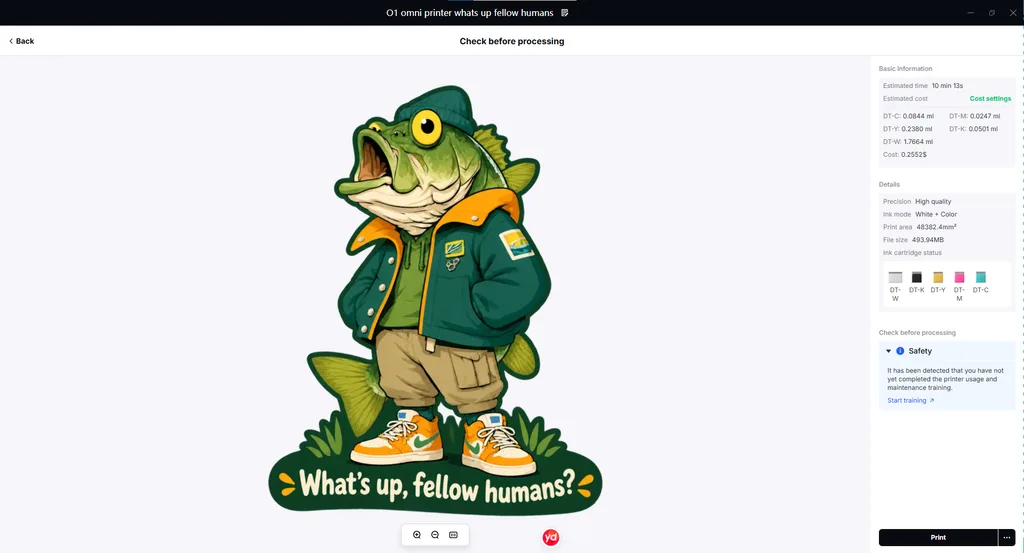
With your fabric prepped and cured, you can transition directly into the software environment and physical setup. Mount your pretreated T-shirt securely over the dedicated xTool Garment Tray, smoothing the collar and body to maintain consistent tension across the 300 x 390 mm printable area.
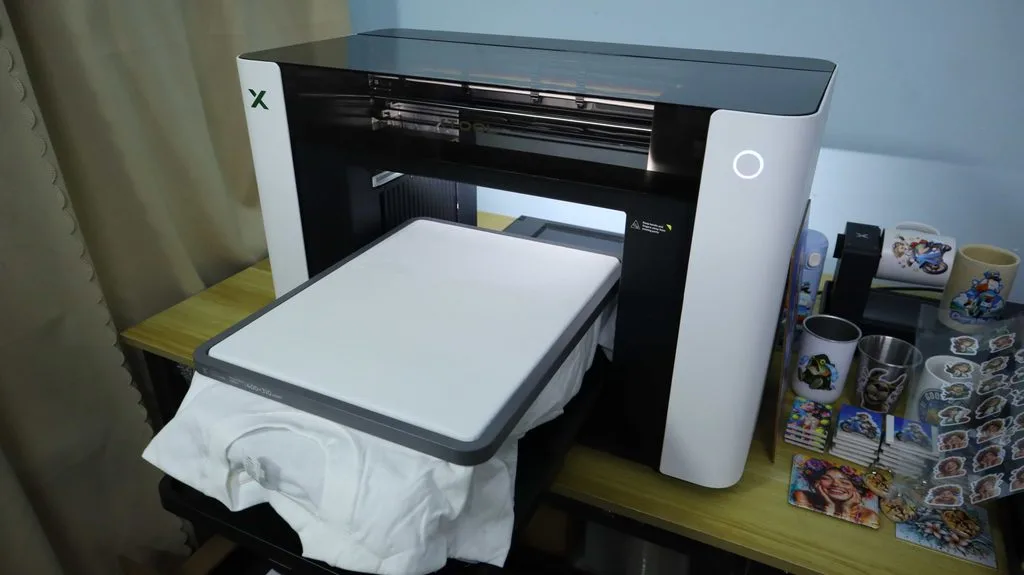
In xTool Studio, import your high-resolution artwork and utilize the platform’s automatic positioning tools to align your graphic precisely over the garment bed. If you are printing on dark or black cotton, make sure to enable the automatic white ink underbase feature in xTool Studio. The software intelligently calculates the underlayer, jetting a crisp white channel beneath your CMYK graphics to ensure vibrant color pops against dark fabrics. Once your layout and ink passes are confirmed, launch the print job directly from the software to initiate DTG printing.
Step 5: Printing & Air-Drying
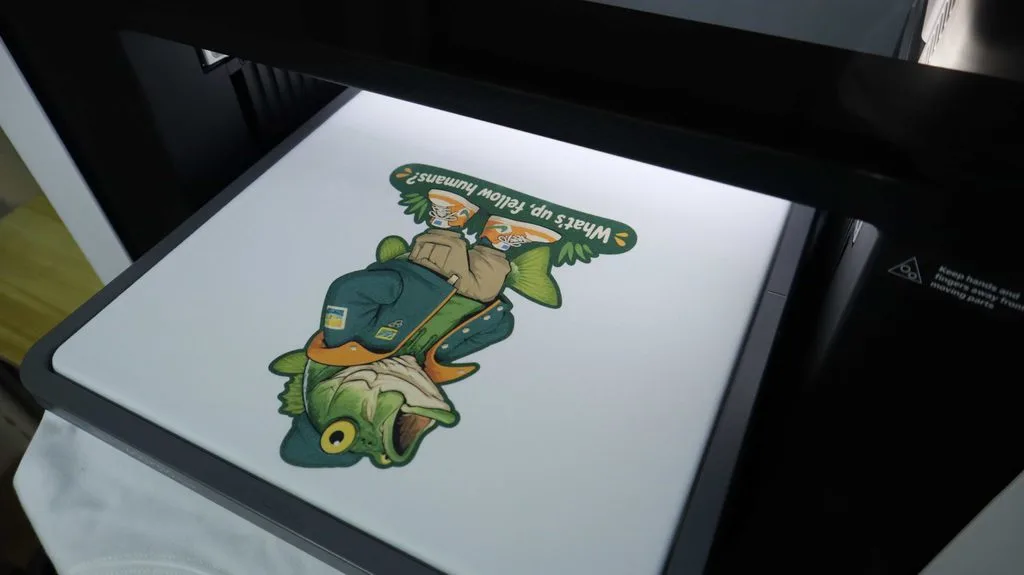
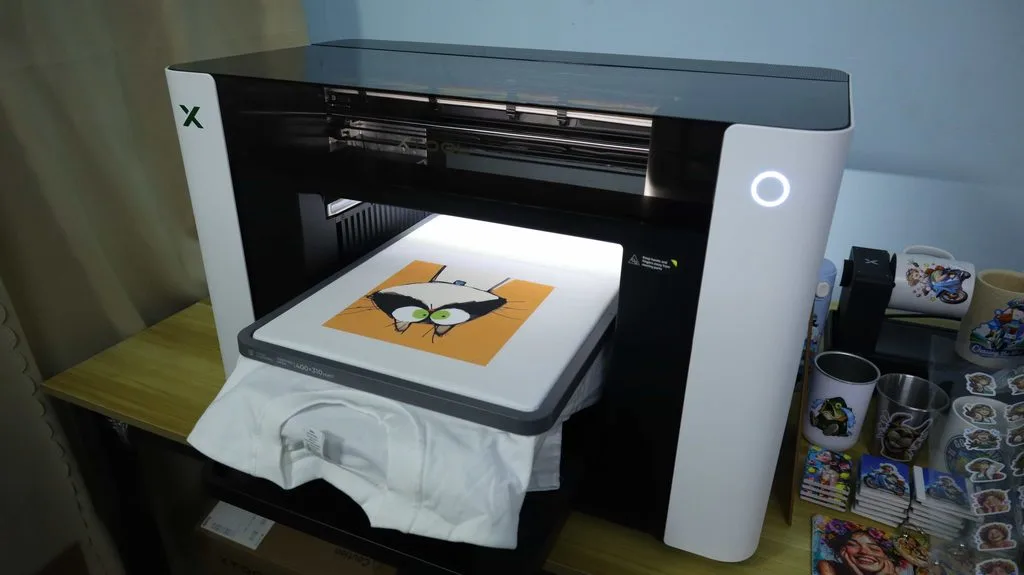
During the active printing phase, the xTool O1 Omni’s isolated textile printhead passes smoothly over the garment tray, laying down precise drops of water-based ink. Print times and running costs will vary depending on your graphic dimensions; for instance, a standard 188 x 188 mm design takes about 9 minutes with an ink cost of around $0.44, while a 160 x 210 mm graphic prints in roughly 8 minutes at approximately $0.25 in ink.
As soon as the print pass finishes, resist the urge to touch the design immediately. Fresh textile ink is extremely delicate and prone to smudging. Carefully unmount the shirt from the garment tray and allow it to air-dry flat for at least 3 minutes at room temperature, giving the wet ink initial time to set before handling.
Step 6: Final Thermal Curing
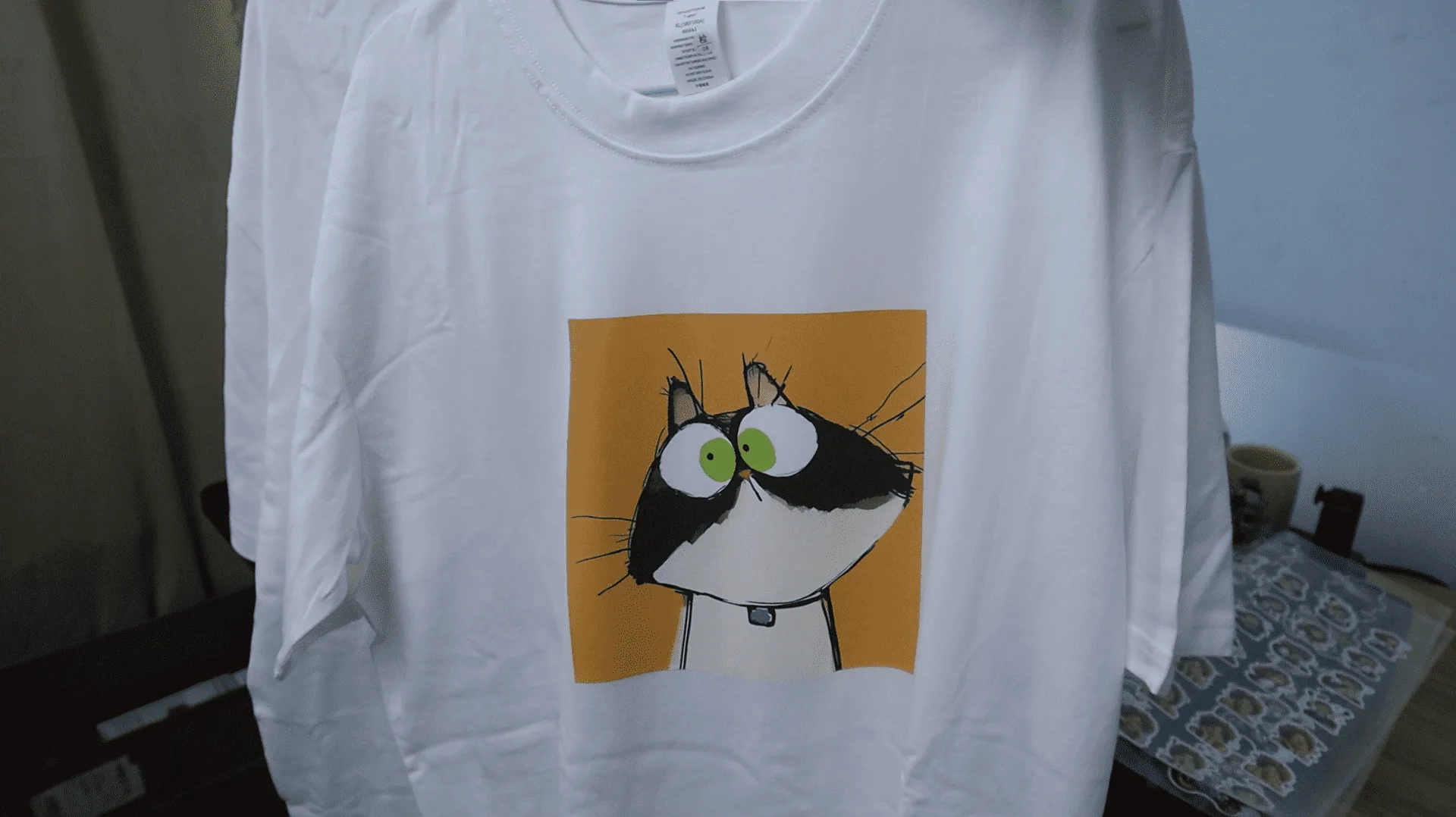
The final step in the workflow transforms delicate, freshly printed liquid ink into a permanent, retail-ready garment print. Place your air-dried shirt back onto the heat press platen, placing a protective sheet of silicone parchment paper directly over the printed graphic. Lower the heating plate set to 150°C (302°F) under light to medium pressure for another 180-second cycle. This final thermal curing phase permanently cross-links the water-based textile ink molecules directly with the cotton fibers.
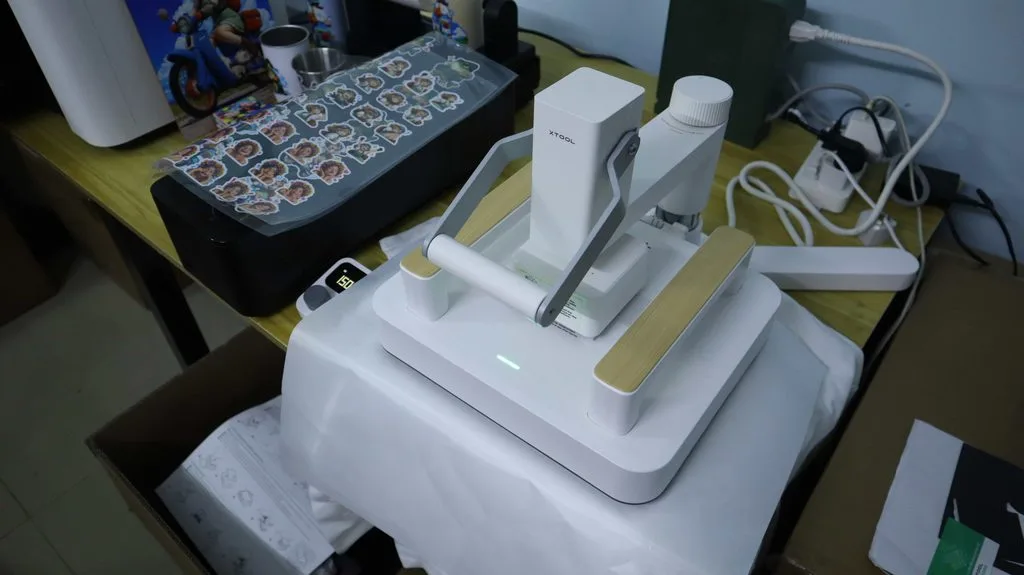
Once cured, the graphic becomes fully wash-durable, stretch-resistant, and crack-proof, giving your custom apparel a soft, flexible hand-feel that meets commercial retail standards.
Pro Tips for Flawless Dark-Color DTG Printing
Mastering dark-color DTG printing on the xTool O1 Omni requires a slightly different mindset than working with light or white fabrics. Because dark cotton absorbs light and visually dominates untreated inks, achieving retail-ready vibrancy hinges almost entirely on your white ink underbase and pretreatment technique.
The most common issue creators face on black or navy shirts is the notorious “pretreatment ring”—a faint, shiny halo left behind by dried primer solution. To completely avoid this halo, use a dedicated dark garment pretreatment formula applied in a fine, atomized mist, and always hover your xTool Heat Press slightly over the damp shirt for 10 seconds to release surface steam before clamping down at 150°C (302°F) with 50 kg of pressure. If a faint trace remains after press curing, a gentle splash of water or a single post-print wash cycle will instantly lift the residue, leaving only the soft cotton finish behind.
Equally critical is how you handle ink density within xTool Studio. While it might be tempting to max out the white ink layer density or force high-pass print modes for maximum brightness, over-saturating the shirt with heavy white ink actually leads to prolonged drying times, severe ink bleeding around fine graphic edges, and a thick, plastic-like hand feel that cracks after a few laundry cycles. Instead, leverage xTool Studio’s optimized dark-garment presets and automatic underbase profiling to achieve the perfect balance of vivid color and soft fabric feel.
Finally, never rush the air-drying phase when working with dark garments. Because the textile printhead deposits a double layer of fluid—first the dense white foundation, immediately followed by CMYK colors—the total wet volume on the fabric is significantly higher than on a white shirt. Allowing the freshly printed dark garment to rest completely flat for 3 to 5 minutes before applying your final 180-second thermal cure ensures the ink layers set cleanly, preventing micro-foaming and guaranteeing a vibrant, stretch-resistant finish that holds up wash after wash.
Troubleshooting & FAQs
Why are my prints on black t-shirts looking dull or faded?
Dull prints on dark cotton garments are almost always caused by inadequate pretreatment or insufficient white ink opacity. If your pretreatment solution is applied too thinly or is not cured for the full 180 seconds at 150°C (302°F) under 50 kg of heavy pressure, the white ink underbase will sink deep into the cotton fibers rather than sitting flat on top. Ensure your pretreated fabric feels completely dry and crisp before mounting it to the xTool Garment Tray, and confirm that the Dark Garment preset is active in xTool Studio so the machine lays down its automated white ink channel beneath your CMYK graphic.
How do I remove the halo or outline left by the pretreatment liquid?
The faint, shiny boundary around your printed design—commonly known as a pretreatment ring—is a normal reaction when spraying liquid primer onto dark cotton. While it can look alarming on a fresh garment, this residue is water-soluble. You can prevent heavy halos by using a fine-mist atomized sprayer and hovering your xTool Heat Press over the wet shirt for 10 seconds before clamping. If a halo remains after the final thermal cure, simply mist the area lightly with clean water or run the garment through its first gentle wash cycle, and the ring will disappear entirely.
What causes ink bleeding or blurry graphic edges on printed cotton?
Blurry graphic boundaries usually happen when water-based textile ink is deposited onto a shirt that still holds trapped moisture or excess pretreatment liquid. If you skip Step 1’s 60-second pre-press or rush the thermal cure in Step 3, the residual moisture in the cotton weave prevents the ink droplets from setting instantly, causing CMYK colors to wick into neighboring fibers. Always verify that your garment is 100% dry before printing, and allow the fresh ink to air-dry flat for 3 minutes before applying the final heat cure.
My prints are cracking or peeling after just a few laundry washes. How do I fix this?
Print cracking is a direct result of incomplete thermal curing or excessive white ink density. If the water-based ink is not cured at 150°C (302°F) for a full 3 minutes during the final press, the ink molecules cannot properly cross-link with the cotton fibers. Additionally, over-saturating the shirt with white ink traps moisture beneath the surface, creating micro-foaming under heat that weakens the cured layer. Stick to xTool Studio’s recommended underbase settings, protect your print with silicone parchment paper during pressing, and advise end customers to wash custom apparel inside-out with cold water.
How do I prevent the DTG textile printhead from clogging during idle periods?
Because water-based textile inks contain solid pigments that dry quickly when exposed to air, printhead maintenance is critical. The xTool O1 Omni addresses this with an isolated capping assembly and dedicated moisturizing cartridges. Always leave the machine powered on or in standby mode so it can run its automated nozzle-refresh routines. If you plan to leave the printer idle for more than a few days, run a quick nozzle check in xTool Studio and ensure the moisturizing caps are properly seated to keep the textile printhead hydrated and ready for your next production run.